On this page
Merlin is the opener brand we meet most on Perth driveways, and the one behind most calls about a new remote that refuses to pair. The routine itself is short. The trouble comes from three generations of Merlin radio that look alike from the outside, a learn button that wipes the memory if you hold it, and remotes bought online that were never going to fit. This guide covers Merlin remote programming in the order we do it on site: identify the opener, find the button, code the remote, then work through the failures if it does not take.
Which Merlin opener and remote do you have?
Start with the sticker on the motor head, not the remote in your hand. The model number tells you which radio generation you have, and that decides what will pair. Merlin has sold openers in Australia for decades, and the same-looking remote can sit on top of three different code systems.
- Old fixed-code units. Merlin openers from the 1990s and early 2000s, still working in older brick-and-tile homes in Morley and Midland, may use a fixed code set inside the remote rather than a rolling code. A receiver like that cannot learn any modern rolling-code remote, whatever the packet says.
- Merlin+ (the M-series era). The rolling-code generation most Perth homes have, with remotes such as the M842 two-button and its one- and four-button siblings. Check the sticker for the remote family your unit lists.
- Merlin+ 2.0 (the E-series era). The current generation uses E-series remotes, including the E960M and E970M four-button units. In our experience the newer remotes generally code into a Merlin+ opener too, but the older M-series remotes will not talk to a Merlin+ 2.0 receiver. Confirm against Merlin's compatibility chart for your model before ordering.
If the sticker has faded, the back of a remote that still works or a clear photo of the motor head is usually enough for us to identify the generation. Frequency matters too: most rolling-code Merlin units use the 433 MHz band, some older openers used other bands entirely, and no amount of button pressing bridges that gap.
Where is the learn button on a Merlin opener?
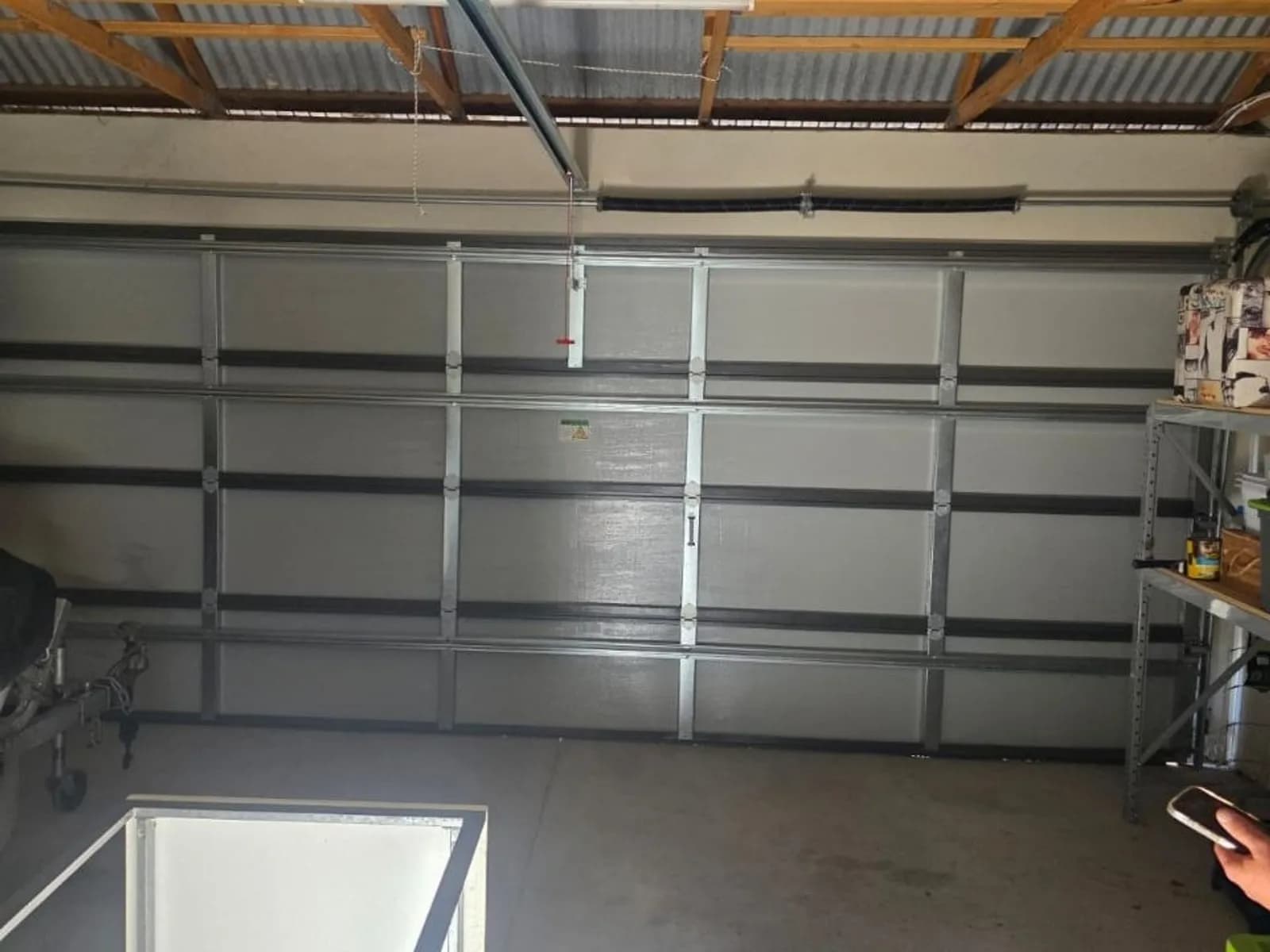
People search for the learn button on the remote, but on a Merlin it lives on the opener. On sectional openers it is a single button on the motor head, usually on the back or side panel, often under a small flap or beside the light lens, with an LED next to it. On roller door motors it sits on the drive unit at one end of the curtain roll, and you may need to reach behind the side track or lift a cover to see it. Newer Merlin+ 2.0 units may also offer a learn option in the wall control menu, which saves the ladder if your wall control has a screen. If the learn button is coloured, note the colour before you shop; on some models Merlin uses it to signal the remote family, and your model's manual spells that out.
How do you program a Merlin remote, step by step?
This is the learn-button method that most Australian openers share, with the Merlin-specific details filled in. Our hub guide covers the general learn-button routine for every major brand; here is the Merlin version. Timings and press counts vary a little between models, so keep the leaflet that came with the remote open beside you.
- Fit a fresh battery in the new remote first. A coin cell that has sat in a warehouse or on a hot dashboard is the most common reason a first attempt fails.
- Set up a stable step ladder under the motor head, or at the roller motor end of the drum, and keep the door area clear. The opener may run the door the moment it learns the remote.
- Press and release the learn button once. The LED beside it lights or starts flashing, and the opener listens, typically for around 30 seconds.
- Press and hold the remote button you want to use until the opener light flashes or the unit clicks. On some Merlin models the leaflet asks for a second press instead of a hold, so follow yours.
- Release, wait a few seconds, then test the door from the driveway. If it moves, the remote is coded.
- Repeat the cycle for each additional remote, and for each extra button you want on a multi-button remote. Merlin openers learn one button per cycle.
One short press, never a long hold
Holding a Merlin learn button for several seconds is the erase command. The LED goes out and every remote the opener has ever learnt stops working, including the ones in the family's cars. If that happens mid-coding, do not keep pressing; treat it as a fresh start and re-code every remote with a short press each time.
How do you program a Merlin 4-button remote?
A four-button Merlin remote is four independent transmitters in one case. Each button has its own channel and rolling code, so the opener only learns the button you press during the learn window. Pick the button you will actually use, run the learn cycle for that button alone, and test it before anything else. The most common four-button complaint we hear is that the remote was coded on the top button and the owner has been pressing the bottom one. The spare buttons can run a second door, a gate motor or a garage light of the same generation, each coded separately at its own device, so label them once they are set.
Can a Merlin remote be coded from another remote?
No. Some brands let you teach a new remote from an existing one through a hidden button on the back, but Merlin does not offer this on its rolling-code units. Every new Merlin remote has to be introduced at the opener's learn button, or through the wall control menu on models that have one. The upside is security: the code changes with each press and lives only in the opener, so a rolling-code Merlin remote cannot be cloned, and the cheap copier remotes sold for fixed-code systems will not work on it.
Why won't a Merlin remote pair?
When a Merlin remote will not pair, the cause is nearly always one of the items below, listed in the order we check them on site.
- Flat or weak battery. Even a brand-new remote can have a tired cell. Swap it before you blame anything else.
- Wrong generation. An M-series remote will not code into a Merlin+ 2.0 opener, and no rolling-code remote will code into an old fixed-code receiver. Match the remote family on the sticker or the compatibility chart.
- You held the learn button instead of pressing it. The memory is now empty, which is why the old remotes have stopped too. Re-code everything with short presses.
- The memory is full. Every Merlin opener stores a set number of remotes, and a few changes of owner plus a couple of HomeLink cars can fill it. Erase it and re-code only the remotes you still use.
- The wall control is in lock mode, which disables every remote while the wall button still works. Holding the lock button for a moment usually clears it; check the wall control's leaflet.
- You are testing a button you never coded, which on a four-button remote is easy to do.
- The receiver or its antenna has failed. If no remote works, old or new, while the wall button still runs the door, the fault is in the radio board or the thin antenna wire hanging from the head unit, and no coding will fix it.
If a Merlin remote that used to work has simply stopped and nobody has been near the learn button, run through the checks for a garage door remote that has stopped working before you erase or re-code anything.
How do you reset a Merlin opener's remote memory or the whole unit?
There are two different resets, and people often do the wrong one. A remote memory reset clears every stored remote and leaves the door limits and force settings alone. A full reset, where a model offers one, also wipes the travel limits and wall control settings, and the opener then has to be set up again as if new. For a lost remote, a change of owner or a full memory, you only need the first.
- Press and hold the learn button on the motor head until its LED goes out. On most Merlin units that takes several seconds; your manual gives the exact time.
- Release the button. Every remote, HomeLink button and keypad the opener knew is now forgotten.
- Code each remote you still use with the short-press routine above, one learn cycle per remote or button.
- Test every remote from the driveway before you put the ladder away.
A full unit reset is only worth doing when the opener is behaving strangely, and even then the cause is usually a failing logic board rather than a setting. If a Merlin opener keeps losing its remotes, reverses for no reason or will not hold its limits, that is a job for opener and logic board repair, not another reset. Our guide to resetting a garage door opener and its remotes covers the other brands.
Does a genuine Merlin remote matter, or will a universal one work?
A genuine Merlin remote for your opener's generation is the sure thing: it is built for that code system and frequency, and the leaflet's coding steps match your unit. A universal remote can work, but only if its packaging lists your Merlin model or code family, and only if it is a true rolling-code universal rather than a fixed-code copier. We see plenty of hardware-store universals that pair with a Merlin+ opener but not a Merlin+ 2.0 unit, and a few that were never going to pair with either. To match the remote to the model before spending anything, our replacement remotes sorted by opener brand show which units suit which Merlin generation, and a photo of the motor's sticker lets us confirm the fit before you order.
When is it quicker to have us code it?
Coding a Merlin remote is a sensible DIY job when you can reach the learn button safely and the remote is the right generation. It stops being one when the roller motor is buried in the drum above a parked car, the opener predates rolling code, the memory has been wiped and five remotes need re-coding, or the third remote bought online has failed to pair. We supply, install and service Merlin openers, our vans carry the common Merlin remote generations, and we fit and service Merlin garage door motors across Perth, from Joondalup to Baldivis, same day, with no call-out fee and the price agreed before we start. If the receiver has failed, we say so on the spot rather than selling you another remote.